


Identity and Access Management (IAM) doesn't have to be a yearlong IT project. With the right approach, you can begin centralizing and automating user access much sooner than you might expect.
Implementing Identity and Access Management often starts with strong agreement across the teams that manage applications and user access.
Then comes the follow-up:
“Sounds good. But how complicated is this going to be?”
And eventually:
“Maybe in Q4.”
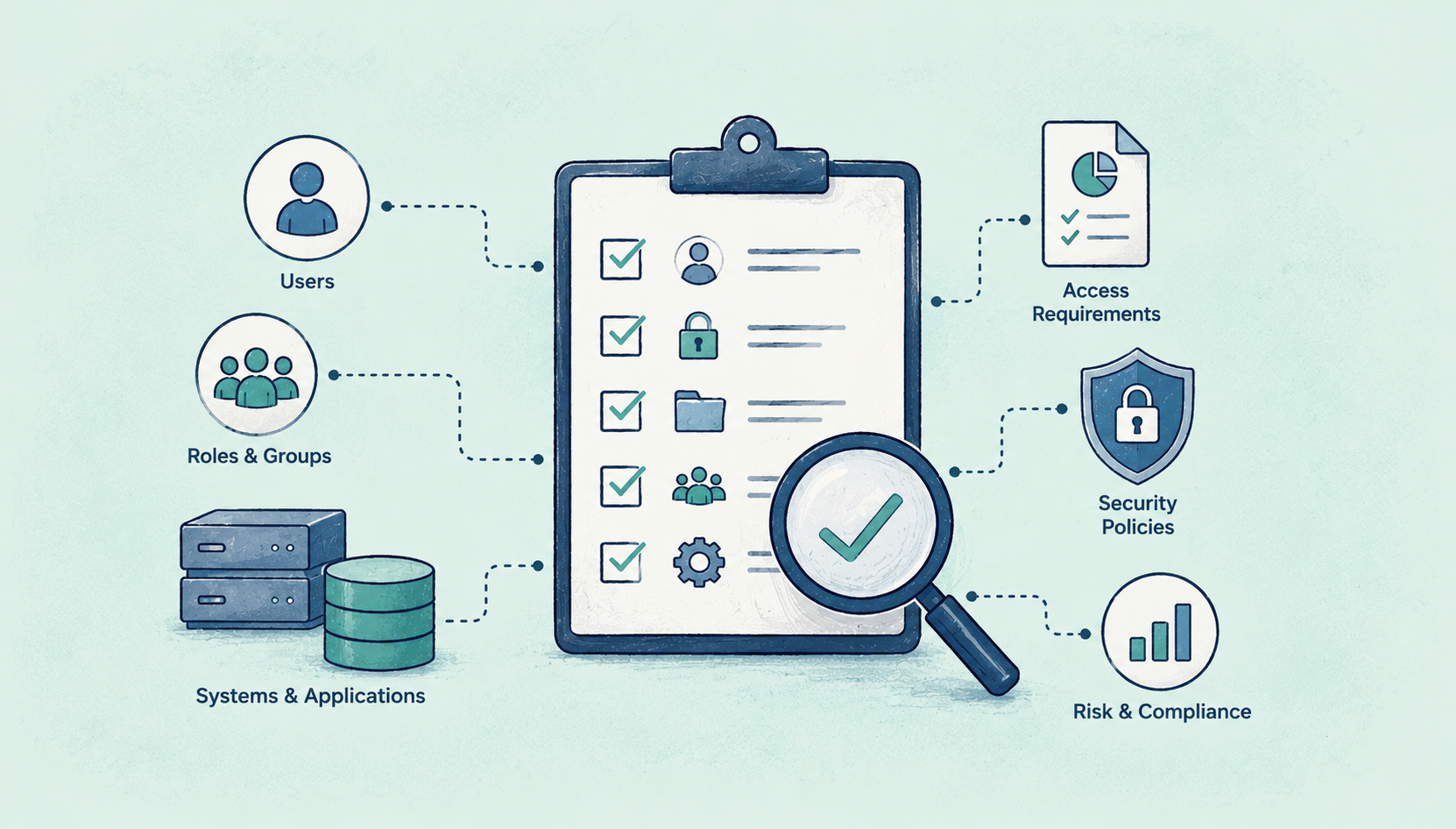
There are users to manage, applications to connect, roles and permissions to define, security policies to consider, and compliance requirements to document. If provisioning is already spread across applications, teams, spreadsheets, and manual processes, the idea of bringing everything together can feel overwhelming.
But IAM implementation doesn’t have to happen all at once.
A more practical approach is to understand your current environment, prioritize the applications and processes that matter most, and introduce centralized identity management and automation in stages.
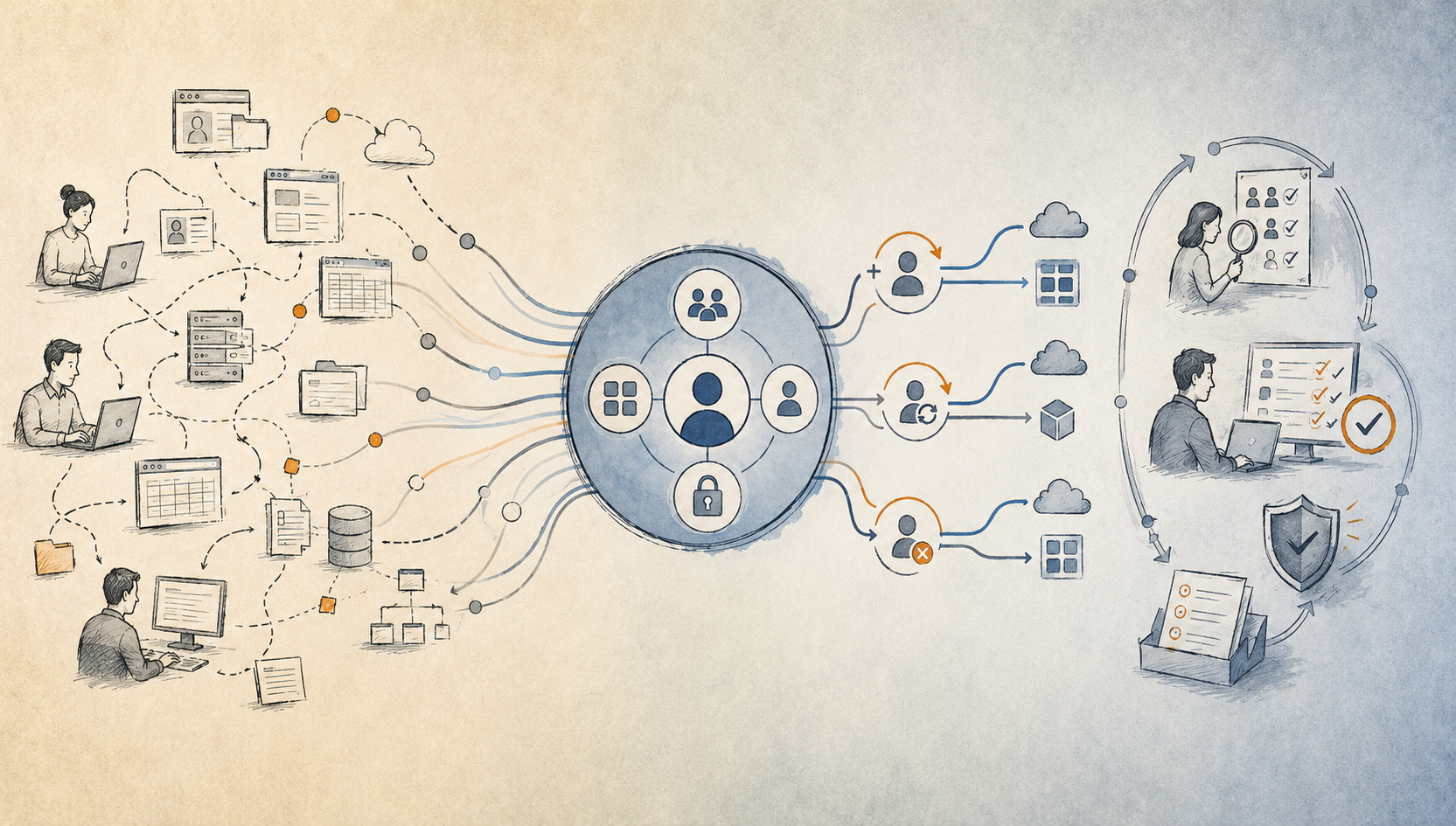
User provisioning often happens across multiple platforms and is managed by different teams with different processes and priorities. Your IT help desk, internal IT team, business functions, application administrators, and outsourced providers may each have their own way of granting and removing access.
That means a single user's access change can involve several people, tools, and steps.
In many organizations, instructions still live in spreadsheets or documents. Application administrators may manage access directly inside individual applications. And when someone changes roles or leaves the company, there isn't always a consistent process for updating their access everywhere.
The result is more manual work, inconsistent processes, and limited visibility into who has access to what.
A centralized IAM solution gives you a single place to manage user access across applications and a more consistent record of provisioning activity for auditing and compliance.
Before you start connecting applications or automating user provisioning, understand what is already in your environment.
Start with a software asset inventory.
Identify the SaaS and enterprise applications that require user provisioning, including applications managed by different divisions or departments. This inventory becomes the foundation for determining which applications should be connected to the IAM solution and where automation can have the greatest impact.
This step also helps organizations avoid a common implementation trap: trying to connect and automate everything simultaneously. Instead, begin with the applications and processes where centralized management can make the biggest difference.
Start by defining what you need the IAM solution to accomplish.
Think about the capabilities you need across the user lifecycle, including:
Your requirements may also include automated provisioning and deprovisioning, group and entitlement management, directory synchronization, application connectors, staged account deactivation, and integration with HR or other identity source systems.
The goal isn't to create a massive requirements document. It's to establish what you need your IAM platform to do and where it should fit into your existing processes.
Once requirements are defined, document the applications that need to participate in user provisioning.
This includes approved SaaS and enterprise applications, as well as applications managed by different teams or divisions.
The inventory should be maintained over time rather than treated as a one-time exercise. As new applications are introduced, they should become part of the organization's broader identity management process.
Next, configure the connectors and integrations needed to manage users across your application environment.
Depending on the applications involved, integrations may use pre-packaged connectors or standard protocols such as:
LDAP
The objective is to connect the systems that participate in the user lifecycle so that access can be managed consistently from the centralized solution.
Technology alone doesn't solve the decentralized provisioning problem. Application administrators and other teams responsible for user access need a consistent process for making account changes.
You should consider requiring application administrators to process user account changes through the centralized provisioning solution rather than continuing to rely on each application's separate provisioning tools.
This is where implementation starts translating into operational improvement.
|
Instead of asking: Who has to make this access change?
|
You can begin asking: What should happen automatically when this user's role or employment status changes?
|
Phase 5: Introduce Automation
Once your applications are connected and your processes are centralized, you can start automating repetitive user access tasks.
Common automation opportunities include:
Onboarding: Automatically provision access for new employees based on their role and requirements
Role changes: Adjust access when employees change responsibilities.
Offboarding: Deprovision access when employees leave the organization.
Account management: Use expiration periods and staged deactivation where appropriate.
Role-based access: Use predefined roles rather than configuring every user's access individually.
Automation simplifies administration, reduces mistakes, and can reduce support costs associated with application access.
One of the biggest opportunities with IAM is that implementation doesn't have to end when applications are connected and provisioning is automated. Centralized identity management lets you build additional governance capabilities on top of the platform.
Monitor Access Continuously
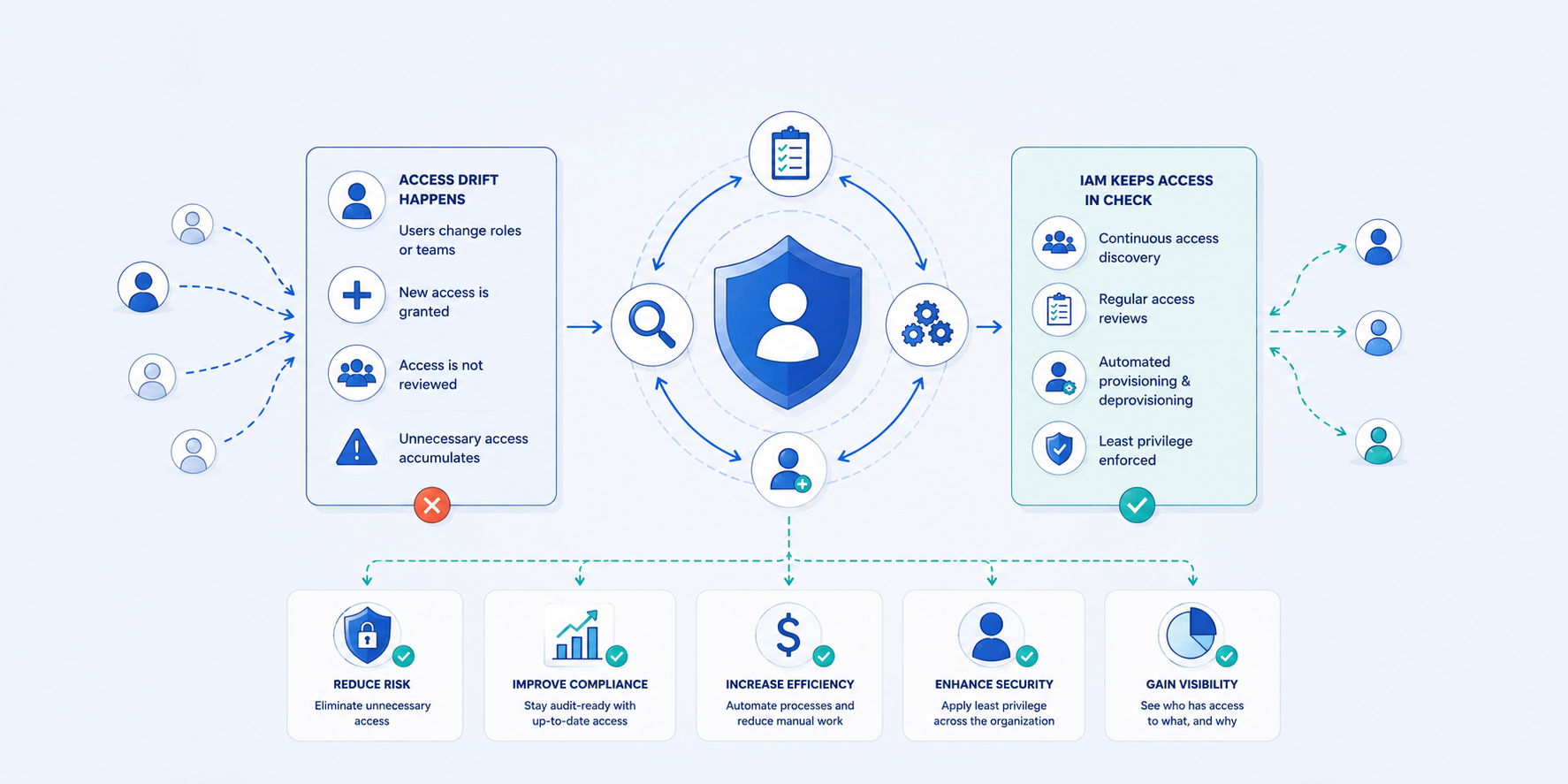
Centralized IAM can provide visibility into access across applications and help identify access drift, policy violations, and unusual activity.
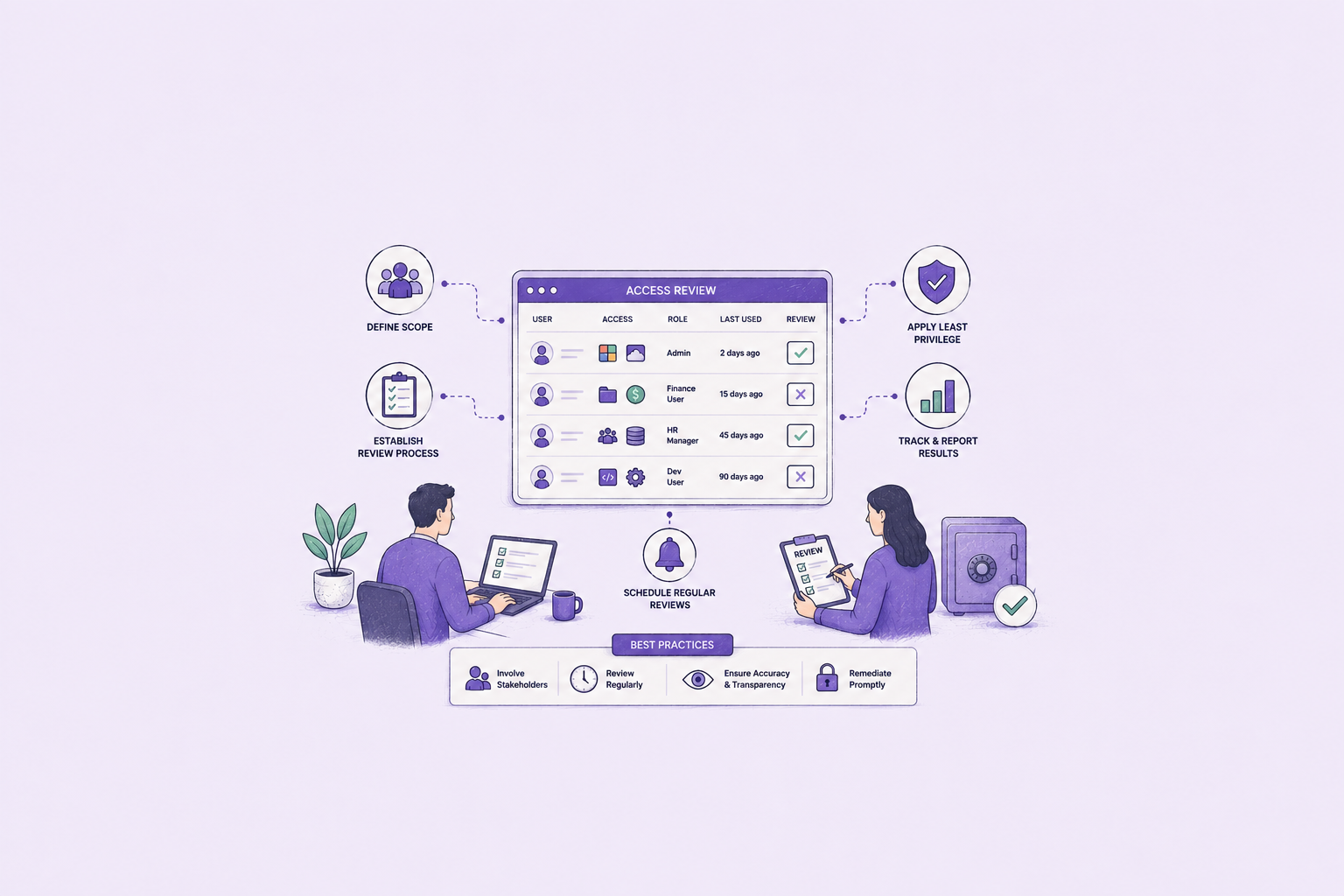
Review Access Regularly
You can also establish processes for reviewing individual users and their access privileges, helping ensure access remains appropriate as roles and responsibilities change.
Improve Compliance Reporting
Centralized audit logging creates a more consistent record of provisioning activity and can provide a single view for compliance auditing.
Together, these capabilities evolve IAM over time. What starts as a provisioning project becomes your ongoing approach to identity governance.
IAM implementation doesn't have to be viewed as a single massive project with a finish line that is months or years away.
Think of it as a progression:
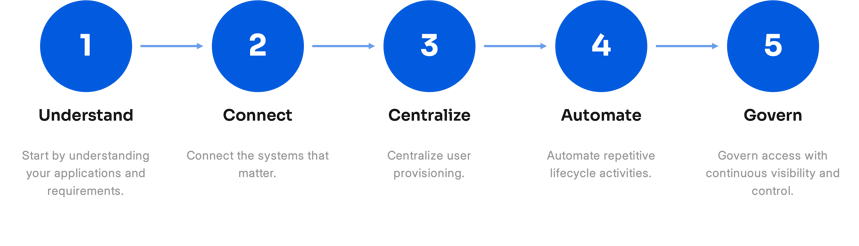
Then build on that foundation with access controls, continuous monitoring, access reviews, and compliance reporting.
This approach allows you to address the most immediate opportunities first while creating a foundation for broader identity governance over time.
Seasoft Identity is designed around identity lifecycle management and governance.
The platform brings together five key IAM capabilities:
Together, these capabilities provide a unified approach to managing identity and access—from onboarding through offboarding and ongoing governance.
Implementing IAM doesn't have to mean tackling your entire environment at once.
A focused implementation can begin with the applications, processes, and access challenges that matter most. From there, you can expand centralized provisioning, automation, role-based access controls, monitoring, access reviews, and compliance reporting.
If your organization is still managing user provisioning across spreadsheets, disconnected tools, and manual processes, now is the time to identify where you can simplify to start moving toward a more automated approach to IAM.
Learn how Seasoft Identity can help automate and centralize user access across your organization.
How long does an IAM implementation take?
The timeline depends on the size and complexity of your environment, but IAM implementation doesn't have to be a yearlong project. Starting with a focused set of applications and automating the highest-impact processes can allow organizations to begin seeing value almost immediately.
What are the phases of IAM implementation?
A practical IAM implementation can be approached in six stages: understand your environment, prioritize applications, connect systems, centralize processes, introduce automation, and expand into ongoing identity governance.
What should you do before implementing IAM?
Start by understanding your current environment. Build an inventory of the applications, directories, identity sources, users, and access processes that need to be managed. This helps you prioritize where IAM can have the greatest impact.
What applications should you connect to IAM first?
Start with applications where access management creates the most manual work, security risk, or compliance burden. Prioritizing high-impact applications allows you to demonstrate value without trying to connect your entire environment at once.
What can IAM automate?
IAM can automate tasks across the user lifecycle, including onboarding, provisioning, role changes, offboarding, account expiration, and deprovisioning. It can also help enforce role-based access policies and support ongoing access reviews and monitoring.
What is the difference between IAM and identity governance?
IAM is the first step toward identity governance. By centralizing identities and access, organizations create the foundation for ongoing oversight. From there, capabilities like access policies, approvals, user access reviews (UAR), monitoring, and compliance reporting help ensure access remains appropriate as users, roles, and applications change. For example, regular user access reviews help organizations evaluate whether employees still need the access they've been granted and identify permissions that should be removed.